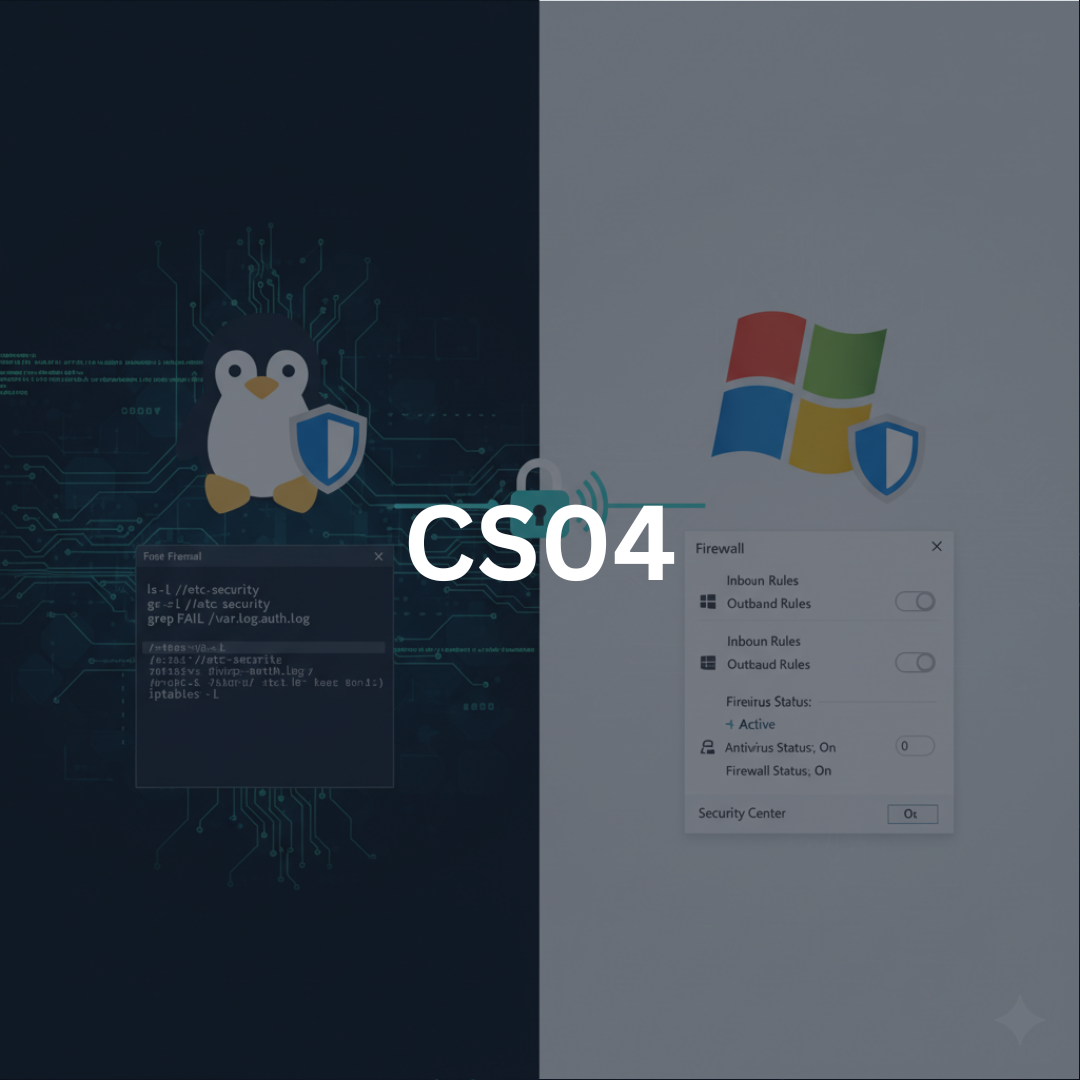
Basic system hardening and configuration management represent the foundational defenses of any secure computing environment. In cybersecurity, the majority of successful intrusions exploit misconfigurations, default settings, weak permissions, outdated software, or unnecessary services. Hardening, therefore, is not an optional operational task but a strategic security requirement. According to Stallings and Brown, hardening begins with reducing the attack surface by minimizing what is available for attackers to exploit. Chapple emphasizes the importance of baseline configuration and continuous monitoring, while modern enterprise infrastructures require frameworks of automation and orchestration to enforce consistency.
This chapter explores hardening and configuration management across Linux and Windows platforms in a systematic way. Readers will learn not only what actions to take, but why each hardening measure matters, how attackers exploit weaknesses, and how misconfigurations manifest in real-world environments. By mastering these concepts, practitioners gain the ability to transform systems from default, vulnerable states into robust environments that resist a wide range of cyber threats.
Principles of System Hardening
System hardening is the process of securing a system by reducing potential attack surfaces and enforcing strict configuration controls. It combines best practices from access control, patch management, secure configuration, privilege minimization, service management, and continuous auditing.
Goal of Hardening
- Reduce unnecessary components that could be exploited
- Protect data and its integrity
- Enforce least privilege
- Ensure predictability and stable operational behavior
- Mitigate malware and unauthorized access risks
Common Misconfigurations
Many breaches result from simple but critical misconfigurations:
- Default passwords left unchanged
- Open services on unused ports
- Excessive file permissions
- Misconfigured firewall policies
- Disabled logging
- Unpatched vulnerabilities
- Weak authentication mechanisms
Stallings notes that misconfiguration is often more dangerous than software vulnerabilities because it happens more frequently and is harder to detect without structured management.
Hardening Linux Systems
Linux distributions are widely used in cloud environments, servers, security appliances, and embedded devices. Despite strong native security models, Linux systems remain vulnerable when improperly configured. Hardening involves enforcing strict access controls, minimizing services, protecting critical files, and utilizing MAC (Mandatory Access Control) frameworks.
User & Group Management
Linux implements discretionary access control (DAC) and extended ACLs. Hardening begins with rigorous identity management.
Measures:
- Remove or lock unnecessary user accounts (nologin shells)
- Enforce strong password policies using PAM (Pluggable Authentication Modules)
- Limit the number of users with shell access
- Apply the principle of least privilege through carefully curated group membership
- Audit /etc/passwd, /etc/shadow, /etc/group regularly
Multi-factor authentication (MFA), while more common in enterprise applications, is increasingly available through PAM modules for SSH access.
SSH Hardening
Secure Shell (SSH) is the primary remote administration protocol in Linux, making it a prime target for attackers.
Recommended hardening practices include:
- Disable root login (PermitRootLogin no)
- Enforce key-based authentication and disable password authentication
- Implement SSH version 2 exclusively
- Rate-limit connection attempts (via Fail2Ban or SSHGuard)
- Change the default SSH port-not as a security solution, but to reduce automated scans
- Restrict user access via AllowUsers or AllowGroups
Cryptographic strength matters: Choosing strong cipher suites and disabling outdated protocols mitigates downgrade and brute-force attacks.
File System Protections
Linux file permissions are a core component of defense.
Hardening steps:
- Use restrictive default umasks (e.g., 027)
- Protect critical directories:
- /etc
- /var/log
- /root
- /boot
- Implement filesystem integrity monitoring with tools like AIDE or Tripwire
- Mount risky directories with secure flags:
- /tmp → noexec,nosuid
- /home → nodev
- /var → nosuid
These measures prevent attackers from executing malicious scripts from temporary locations.
Service Minimization & Daemon Hardening
Linux systems often ship with unnecessary services enabled. To minimize attack surfaces:
- Disable unused services via systemctl
- Review active network listeners with ss -tulnp
- Harden active daemons (Apache, Nginx, MySQL) using vendor best practices
- Enforce resource limits to mitigate DoS conditions
This reduces the number of exposed ports and potential vulnerabilities.
Log Configuration & Monitoring
Logging is essential for detection, response, and forensic analysis.
Linux logging practices:
- Centralize logs using rsyslog or journal forwarding
- Protect log integrity via strict file permissions
- Monitor key logs:
- /var/log/auth.log
- /var/log/messages
- /var/log/secure
- Implement log rotation to prevent overflow attacks
Security relies not only on collecting logs but analyzing them regularly.
Mandatory Access Control (SELinux & AppArmor)
Linux supports MAC frameworks that enforce policies beyond traditional permissions.
SELinux:
- Uses security contexts for processes, files, and ports
- Provides confinement through targeted or strict policies
- Prevents privilege escalation even if an application is compromised
AppArmor:
- Profile-based enforcement
- Simpler to configure but less granular than SELinux
MAC systems add an additional defense-in-depth layer, preventing apps from exceeding their intended capabilities.
Hardening Windows Systems
Windows systems operate under a different architecture, with a heavier emphasis on domain-based policy enforcement, registry configurations, ACLs, and GUI-based administration tools. Hardening Windows requires understanding Active Directory (AD), user privilege models, and system roles within an enterprise.
Account & Authentication Controls
Key actions include:
- Enforce password complexity, length, and expiration policies
- Deploy MFA where possible
- Disable or rename the default Administrator account
- Limit local administrator accounts and enforce LAPS (Local Administrator Password Solution)
- Restrict privileged groups (Administrators, Domain Admins, Server Operators)
Weak credentials are among the most exploited attack vectors in Windows environments.
Windows Firewall & Network Hardening
Windows Firewall provides per-application and per-profile filtering.
Hardening steps:
- Enforce inbound-deny by default
- Restrict outbound traffic where practical
- Remove legacy protocols (SMBv1, NTLMv1)
- Configure secure protocols (TLS 1.2+)
Disabling insecure or outdated services significantly reduces vulnerabilities like EternalBlue-style attacks.
Group Policy & Active Directory Configuration
Group Policy Objects (GPOs) allow centralized enforcement of security settings.
Examples of security GPOs:
- Account lockout thresholds
- Disable unauthorized removable media
- Enforce audit policies (logon, process creation, object access)
- Control PowerShell execution policies
- Restrict local administrator rights through Group Policy Preferences filtering
Misconfigured AD environments often lead to privilege escalation paths exploited by attackers in lateral movement.
File System and Registry Hardening
NTFS provides granular security controls through ACLs using SIDs.
Hardening NTFS:
- Restrict access to sensitive folders (System32, Windows folder)
- Audit key system files
- Protect Volume Shadow Copies from deletion
Registry Hardening:
- Secure registry hives (HKLM\System, HKLM\Security)
- Disable unnecessary autoruns and scheduled tasks
- Review application whitelisting paths in registry keys
Attackers frequently manipulate registry paths to enforce persistence, making registry monitoring crucial.
Application Control & Code Execution Policies
Tools for Windows application hardening:
- AppLocker
- Windows Defender Application Control (WDAC)
- SmartScreen
- PowerShell constrained language mode
Application control prevents untrusted or malicious executables from running, stopping many malware strains before they can act.
Patch & Vulnerability Management
Patch management ensures systems remain updated against known vulnerabilities.
Concepts:
- Prioritize based on CVSS scores and exploit availability
- Use centralized patching systems (WSUS, SCCM for Windows; Ansible/Yum/Apt for Linux)
- Apply firmware updates for BIOS, hypervisors, and hardware devices
- Validate patches in staging environments before deployment
Unpatched software remains one of the greatest risks in cybersecurity, repeatedly exploited in major global attacks.
Configuration Management Frameworks
Modern infrastructures rely on automation for consistent and scalable hardening.
Configuration Management Tools:
- Ansible (Linux and Windows)
- Puppet (Linux)
- Chef (Linux/Windows)
- SaltStack
- Microsoft Desired State Configuration (DSC)
Benefits:
- Version-controlled configurations
- Automated policy enforcement
- Rapid remediation of drift
- Repeatability and auditability
Chapple emphasizes configuration baselines as a critical defense component, and CM tools enforce them programmatically.
Baseline Security Configuration
A baseline defines the minimum acceptable security posture for a system.
Components of a baseline:
- Required services
- Firewall rules
- Authentication settings
- Logging and audit policies
- File permissions
- Application configurations
Baseline drift occurs when systems deviate from these rules, either through admin changes, updates, or attacker tampering, and must be continually monitored.
Continuous Monitoring & Compliance
Security hardening is not a one-time event. Continuous monitoring ensures that configurations remain consistent and secure.
Techniques:
- SIEM monitoring of configuration changes
- File integrity monitoring (FIM)
- Automated compliance checks (e.g., CIS Benchmarks)
- Vulnerability scanning (Nessus, OpenVAS, Qualys)
- Endpoint detection and response (EDR)
Monitoring provides early detection of misconfigurations, anomalies, and malicious changes.
Hardening Against Real-World Attack Techniques
Understanding attacker TTPs (Tactics, Techniques, and Procedures) is essential for meaningful hardening.
Attack vectors prevented by hardening:
- Brute force attacks
- Ransomware exploitation
- Lateral movement (Pass-the-Hash, Kerberoasting)
- Privilege escalation
- Rootkit installation
- Exploiting default service configurations
- Log tampering
- Persistence mechanisms (cron jobs, registry autoruns, scheduled tasks)
Effective hardening disrupts attack chains early, preventing minor incidents from escalating into full compromises.
Basic hardening and configuration management are among the most cost-effective, impactful defenses in cybersecurity. By methodically reducing attack surfaces, controlling privileges, enforcing secure defaults, and automating consistent configurations, organizations build resilience against a wide variety of threats. This chapter has provided a comprehensive blueprint for securing both Linux and Windows systems, from identity management and service minimization to MAC frameworks, NTFS permissions, and centralized configuration enforcement.
Security practitioners who master these disciplines can significantly improve enterprise security posture, limit adversary movement, and establish a strong foundation for more advanced defensive strategies in intrusion detection, incident response, forensics, and threat hunting. Hardening is not only a first line of defense, it is the bedrock upon which every other security measure relies.